

12 Things to Check Before Building a Corporate Website
A practical corporate website checklist: 12 points to settle before you hire an agency, from goals and speed to SEO, GDPR, CMS choice and owning your domain.

When a company starts planning a new corporate website, the conversation usually begins with looks: colours, logo placement, the big hero image on the homepage. Yet the things that decide whether the site still works for you three years from now are mostly invisible: speed, security, search visibility, whether your team can update it without calling anyone, and whether you actually own it.
This corporate website checklist walks through 12 points to settle before you sign with an agency or a freelance developer. At the end you will find a condensed master checklist you can take straight into your next briefing call.
1. Define the goal and the audience
"We need a website" is not a goal. You should be able to state the site's job in one sentence: generate quote requests, recruit distributors, support hiring, reassure investors, or simply act as a credible digital business card. That answer shapes the page structure, the copy and even where the main button sits.
Be equally specific about the audience. Who is visiting, what question brings them there, and which device are they likely to use? A manufacturer speaking to procurement managers and a coffee shop speaking to locals should not sound the same. Writing two or three short visitor profiles makes every later decision easier.
2. Map the site and plan the content first
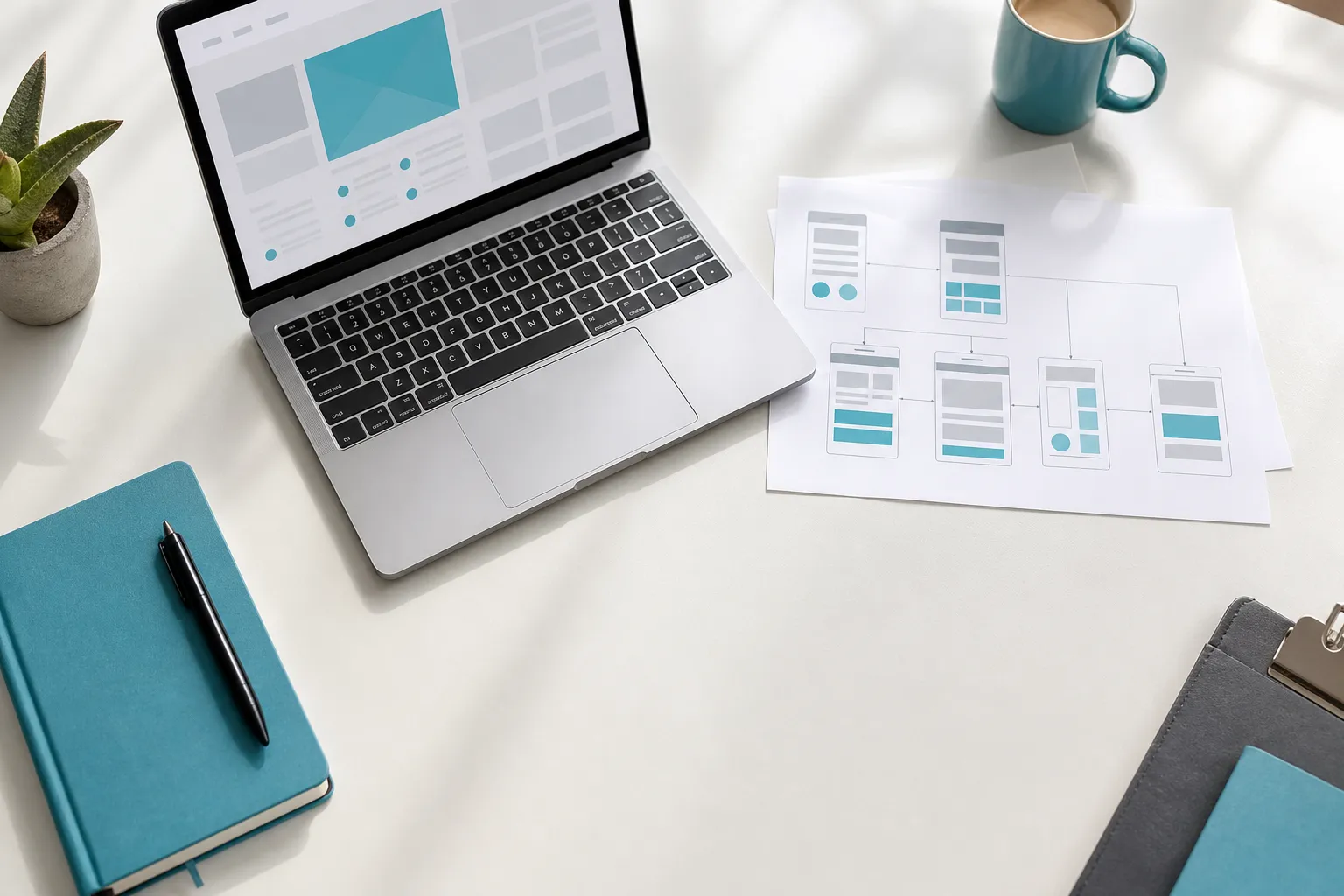
Design should serve content, not the other way round. If you move into design before deciding which pages exist (about, services, products, case studies, blog, contact) and what each one says, you will end up with the classic "the text doesn't fit the box" problem.
- Give every page one purpose and one key message.
- Agree early on who writes the copy and who supplies photography.
- Plan individual service or product pages rather than cramming everything into one long page; that helps both visitors and search engines.
Content is the item most likely to delay a launch, so it is realistic to give it its own slot in the timeline.
3. Insist on mobile-first design
A large share of your visitors will probably arrive on a phone. "Responsive" is no longer the bar; the layout should be designed with the small screen in mind from the start. Can the menu be used with one thumb? Does tapping the phone number start a call? Are forms comfortable to fill in with a mobile keyboard?
Do not sign off designs from desktop mockups alone. Ask to see the mobile layouts too, and test the staging site on a real phone before launch.
4. Make speed a requirement: Core Web Vitals
A slow site can lose visitors within the first few seconds. Google's Core Web Vitals give everyone a shared vocabulary here: how quickly the main content appears (LCP), how fast the page responds to interaction (INP) and whether elements jump around while loading (CLS).
Questions worth asking at proposal stage:
- Will images be served in modern formats and at sensible sizes?
- Will heavy plugins and unnecessary scripts be avoided?
- Will the site be measured with a tool such as PageSpeed Insights before handover, with the results shared?
On sites built from bloated off-the-shelf themes, performance often becomes a problem that is hard to fix later. It is far easier to agree on it before the contract is signed.
5. Get the SEO foundations right
SEO is not a coat of paint added after launch; it belongs in the build. At a minimum, a corporate site should have:
- Titles and meta descriptions: unique for each page and editable from the admin panel.
- A clear heading structure: one main heading per page with logical subheadings beneath it.
- Readable URLs: meaningful paths such as "/services/industrial-design".
- An XML sitemap and robots.txt: so search engines can crawl the site efficiently.
- Structured data: schema.org markup for organisation details, address, contact information and FAQs.
- Redirects: if you are replacing an existing site, 301 redirects from old URLs to new ones. Skip this and you risk throwing away visibility built up over years.
6. Do not skip accessibility
Accessibility means people with visual, hearing or motor impairments can use your site. It also makes the experience better for everyone: someone reading on a phone in bright sunlight benefits from good colour contrast just as much.
The WCAG guidelines are the widely used international reference. A practical starting point is meaningful alt text on images, sufficient contrast, menus and forms that work with a keyboard, properly labelled form fields and readable font sizes. Depending on your sector and market, accessibility may also be a legal expectation, so it is worth checking what applies to you.
7. Clarify security and SSL
An SSL certificate (the "https" in the address bar) is now simply standard. Security does not stop there, though. Before the project starts, get clear answers to these questions:
- Will the software, plugins and server components be updated regularly, and who is responsible?
- Will the admin panel be protected by strong passwords and, ideally, two-factor authentication?
- How will forms be protected against spam and abuse?
- What happens, and how quickly, if a security incident occurs?
8. Choose a CMS your team will actually use
Emailing the agency for every small text change wastes time and leaves the site stale. A good content management system lets your marketing team publish news, update products and edit SEO fields without technical help.
There is a balance to strike. Extremely flexible page builders can let well-meaning editors break the layout, while overly locked-down systems keep you dependent on the developer. Ask for a live walkthrough of the admin panel and a short training session before handover.
9. Plan multilingual support properly, if you need it
If you sell abroad or expect international visitors, building a multilingual structure from day one is much easier than retrofitting it. Points to check:
- Each language should live at its own stable URL (for example under "/en/" or "/de/").
- hreflang tags should tell search engines which page is the equivalent in each language.
- Translations should not be left as raw machine output; at the very least, have a fluent speaker review them.
- Currency, date formats and contact details should suit each target market.
10. Remember the legal pages and cookie consent
If your site collects personal data through contact forms, newsletter sign-ups or analytics, privacy rules apply. For visitors in the EU and UK, that typically means GDPR and the related rules on cookies; other regions have their own data protection laws.
A corporate site usually needs a privacy policy, a cookie policy and a cookie consent tool. These texts should describe how your business really handles data; copying another company's policy rarely reflects your actual processes. This article is not legal advice, and we recommend working with a qualified lawyer on the wording. On the technical side, what matters is that consent genuinely works: tracking tools should not fire before the visitor has agreed.
11. Set up analytics and conversion goals
You cannot improve what you do not measure. Before launch, make sure an analytics tool (Google Analytics or a privacy-focused alternative) and Google Search Console are in place. More important than raw visitor numbers, though, is defining the valuable actions, or conversions, you care about:
- A contact or quote form submission
- A tap on the phone number or chat button
- A brochure or catalogue download
- A distributor or job application
These goals should connect directly to the purpose you defined in point one. A few months in, you can then answer "is the website working?" with data rather than gut feeling.
12. Put ownership, backups and maintenance in writing
This is the most neglected point and the one that causes the most pain. Losing access to your own site after parting ways with an agency is far from unusual. Your contract should make the following explicit:
- Domain name: registered in your company's name, with you holding access to the registrar account.
- Hosting: who owns the account, and confirmation that credentials will be handed over.
- Source code and design files: clear usage and ownership rights.
- Backups: regular and automatic, stored separately from the live server, with restores actually tested.
- Maintenance: what is covered (updates, small changes, support hours) and how it is billed.
When comparing proposals, look at the total cost of running the site over several years, not only the initial build fee.
The master corporate website checklist
Use this list in briefing calls or to compare proposals side by side:
- Is the site's purpose written down in one sentence, with a defined audience?
- Are the sitemap, page list and content owners agreed?
- Will mobile designs be reviewed and approved separately?
- Are Core Web Vitals part of the acceptance criteria?
- Are titles, meta descriptions, the XML sitemap, structured data and 301 redirects planned?
- Is accessibility (contrast, alt text, keyboard use) being addressed?
- Who is responsible for SSL, updates and admin security?
- Can your team edit content in the CMS, and is training included?
- If needed, are multilingual URLs and hreflang set up correctly?
- Are the privacy policy, cookie policy and consent tool ready, with GDPR or local rules in mind?
- Are analytics, Search Console and conversion goals configured?
- Are ownership of the domain, hosting, code and backups, plus the maintenance scope, written into the contract?
Conclusion
A good corporate website is more than an attractive shop window. It loads quickly, gets found, earns trust, is easy for your team to update and genuinely belongs to you. Working through this corporate website checklist before the project starts keeps the build free of surprises and the site useful for years.
If you would like help applying these points to a new project, or reviewing your current site against them, take a look at our web design services and get in touch.
Frequently Asked Questions
How long does it take to build a corporate website?
It depends on the number of pages, how much custom design is involved, any integrations and how ready your content is. In practice, copy and imagery are the most common cause of delays, so starting the content plan early makes the timeline noticeably smoother.
Should I use a ready-made theme or a custom design?
Themes get you online faster and usually at a lower cost, but they can be limiting in performance, flexibility and brand distinctiveness. Custom design takes more time and budget but fits your needs precisely. The right choice depends on how central the site is to your business and your longer-term plans.
Is ongoing maintenance really necessary after launch?
Yes. Software components, plugins and the server environment all need updates over time, and unpatched sites become more exposed to security issues. A maintenance plan also ensures backups keep running and content stays current.
Whose name should the domain and hosting be registered in?
Ideally your company's. An agency can handle the technical management, but you should own the accounts and keep a copy of the access details. That way, if you ever change providers, your website and email are not put at risk.
Related articles
How to Improve Website Accessibility: Practical Steps
A practical guide for small businesses on improving website accessibility without technical expertise, plus a clear checklist and FAQs.
How to Build the Right Corporate Website Content Structure
A practical guide to structuring a corporate website for clarity, trust, and conversions—from menu planning to page priorities.

How Much Does a Website Cost? 9 Factors That Determine the Price
Why do website quotes vary so much? We break down the 9 factors behind website pricing, how to compare quotes, red flags in cheap offers and how to write a brief.