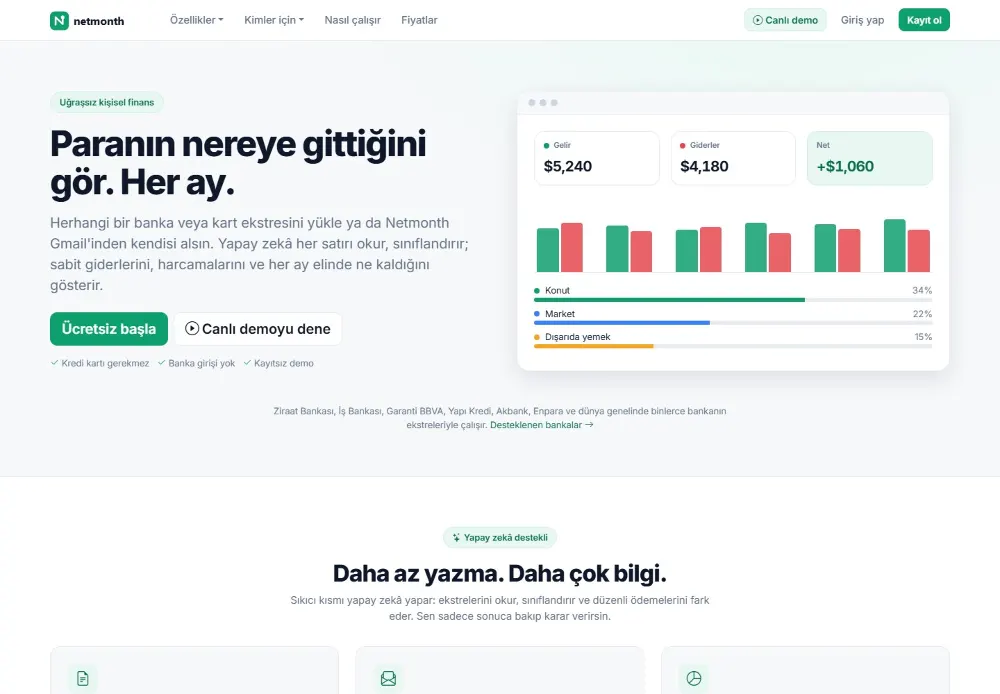
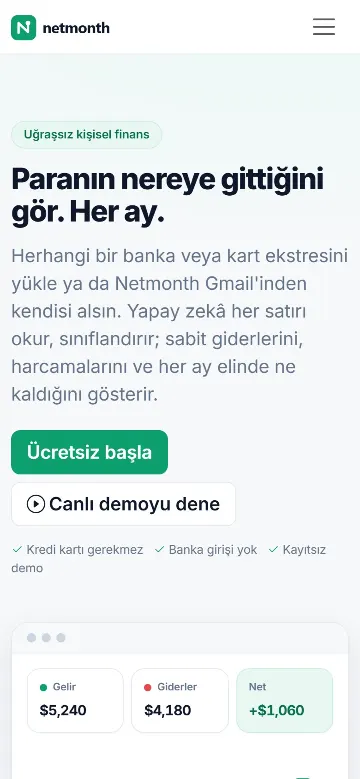
netmonth.com is an income and expense tracking app built by Teyobi that reads bank and credit card statements. It needs no bank login and no spreadsheets.
Who it is for and what problem it solves
Most people try to answer "where did my money go?" by looking at a statement at the end of the month; reading it line by line is tedious, so it often gets abandoned halfway. Netmonth takes over the tedious part: it reads the statement, sorts the transactions and shows you only the result.
How it works
- Statement upload: Upload the PDF, CSV or Excel file you downloaded from online banking; statements from any bank and in any language are read. If you like, it can also find statements in your email and ask before adding them.
- You stay in control: After transactions are read and sorted into categories, you review them on one screen, fix what you like and only then save.
- It learns: Correct a merchant's category once and it is remembered in later statements. It also spots regular payments such as rent, subscriptions and bills and suggests adding them.
- Monthly plan: Enter your fixed income and expenses as a monthly plan and see them next to your actual spending. You can set monthly limits for categories such as groceries or dining out.
- Multiple currencies: Statements in another currency are converted at the official rate of each transaction day.
Who uses it
- Anyone who wants to tidy up income and spending at month end.
- Freelancers who want to keep personal and business spending apart.
- Couples and families who want to see a shared budget together.
How to get started
You can try a demo with sample data without signing up. There is no bank login, no advertising and no tracking; you can export or delete your data whenever you wish. Current plans are on the product site. Visit netmonth.com →
We can build a product like this for your business too
We built Netmonth from our own idea. If your business also needs a product that reads data from paper or files and organizes it, write to us and we will work it out together.