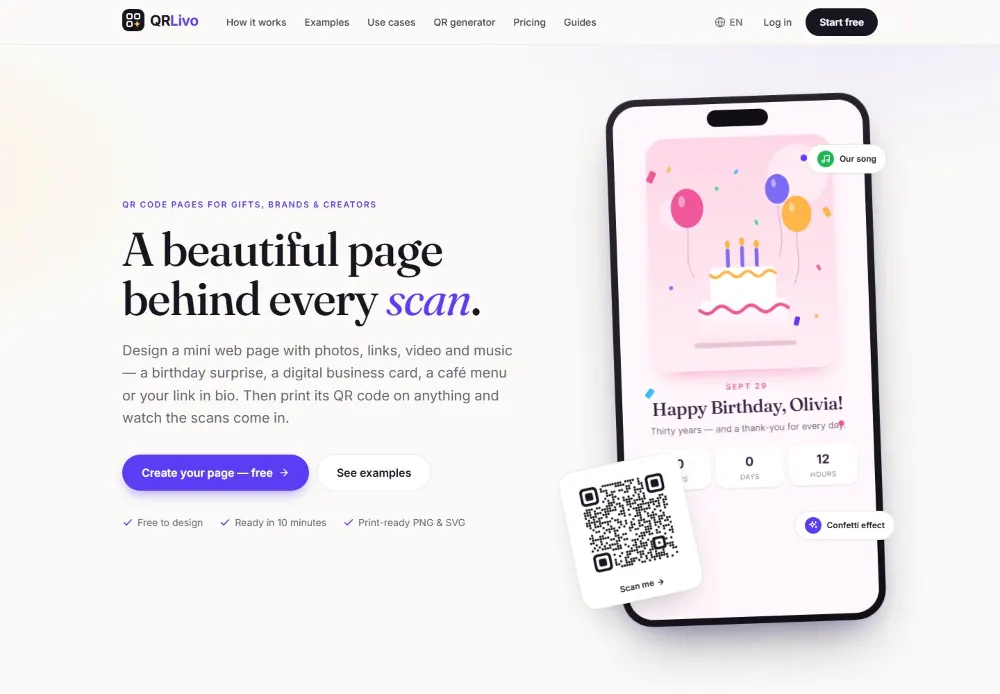
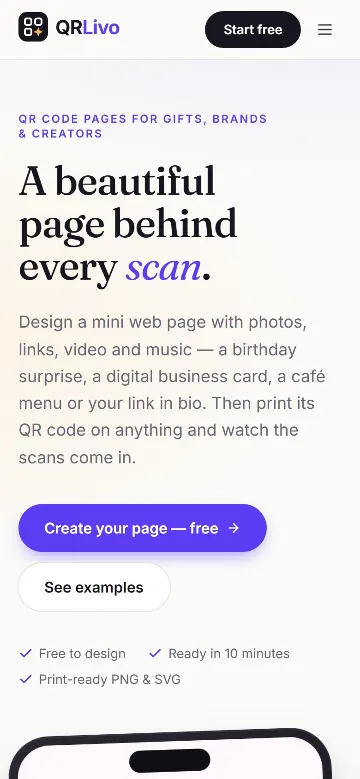
qrlivo.com is a QR code tool built by Teyobi that puts a page behind every scan. Users design both the QR code and the page that opens when it is scanned.
Who it is for and what problem it solves
An ordinary QR code just points to an address and cannot be changed once printed. Someone whose menu prices or business card phone number change has to print again. With QRLivo the printed code stays the same, and you update the page behind it whenever you like.
How it works
- Editing on the page itself: Pick a ready-made template, click a text in the preview and type, click a photo to replace it. No forms to fill in.
- Templates: A digital business card, a business page, a QR menu, a product page, an event invitation and a personal links page; plus pages for special days such as birthdays, anniversaries, weddings, new babies and memorials.
- Look and feel: Choose the mood with ready-made themes and light effects; add galleries, videos, music, countdown counters and timelines.
- Scan statistics: See how many times the QR code was scanned, from which devices, and which links were tapped.
- Print-ready code: Download the code as a high-resolution image or a scalable drawing and print it on a mug, a T-shirt or a card.
Who uses it
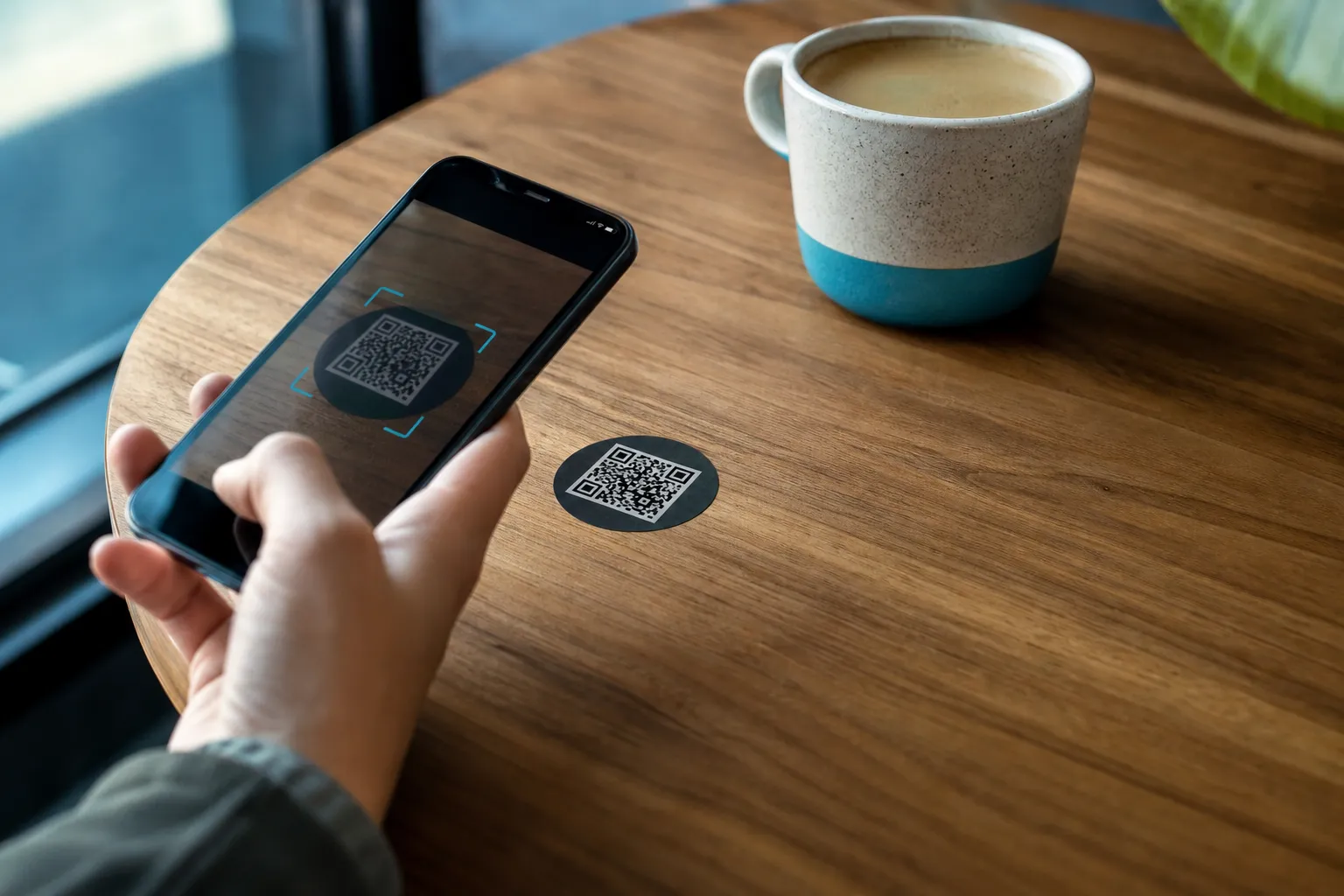
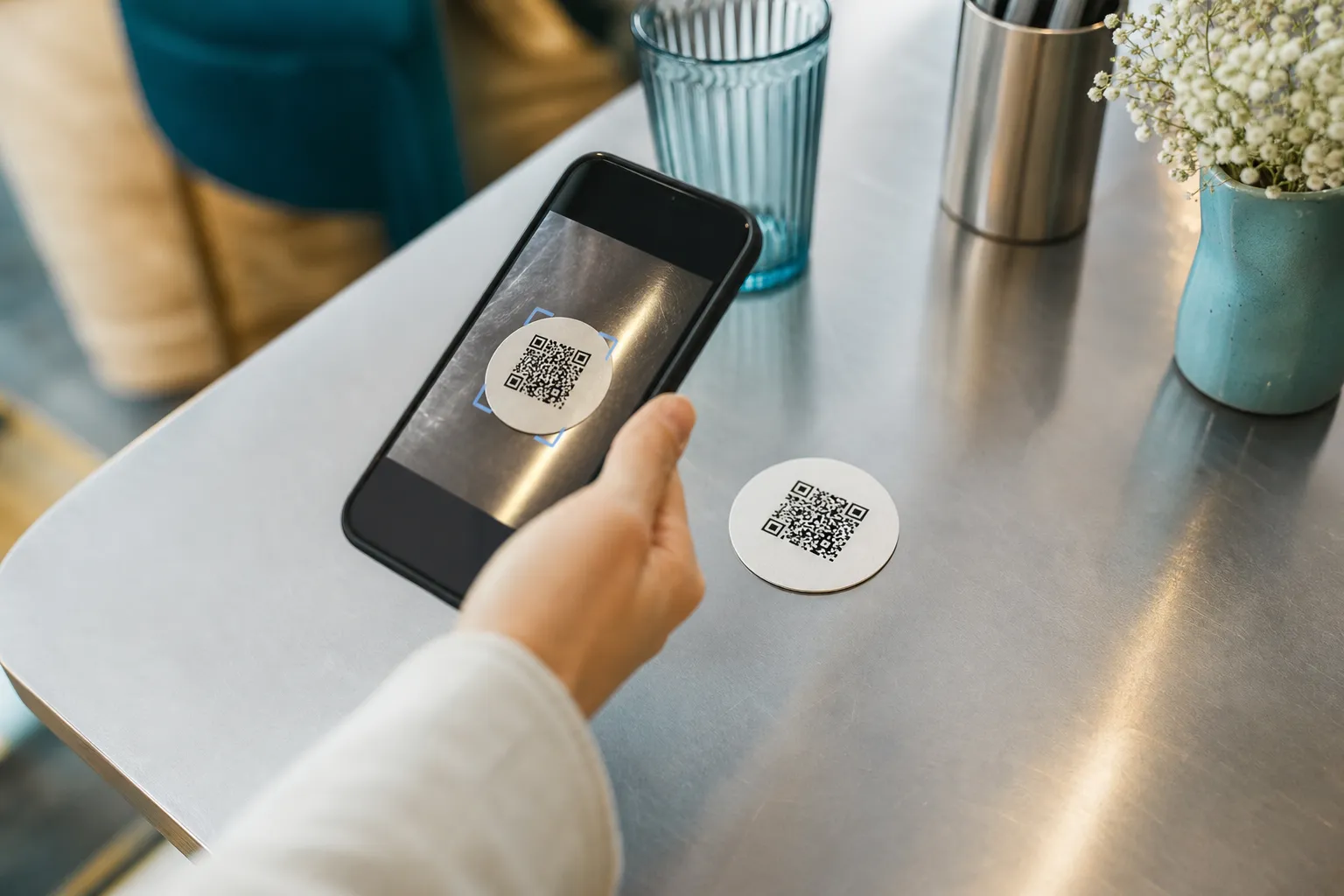
- A café or restaurant that does not want to reprint its menu every time prices change.
- A consultant or shopkeeper who wants the link on a business card to stay current.
- Someone preparing a gift with a QR code that opens a surprise page.
How to get started
Designing is free; current plans for publishing a page are on the product site. Pages are hidden from search engines by default, and you can add a password if you like. Visit qrlivo.com →
We can build a product like this for your business too
We designed and built QRLivo ourselves. If your business has an idea that could turn a code or a link into an experience, we can turn it into a product for you too. Tell us what you need.