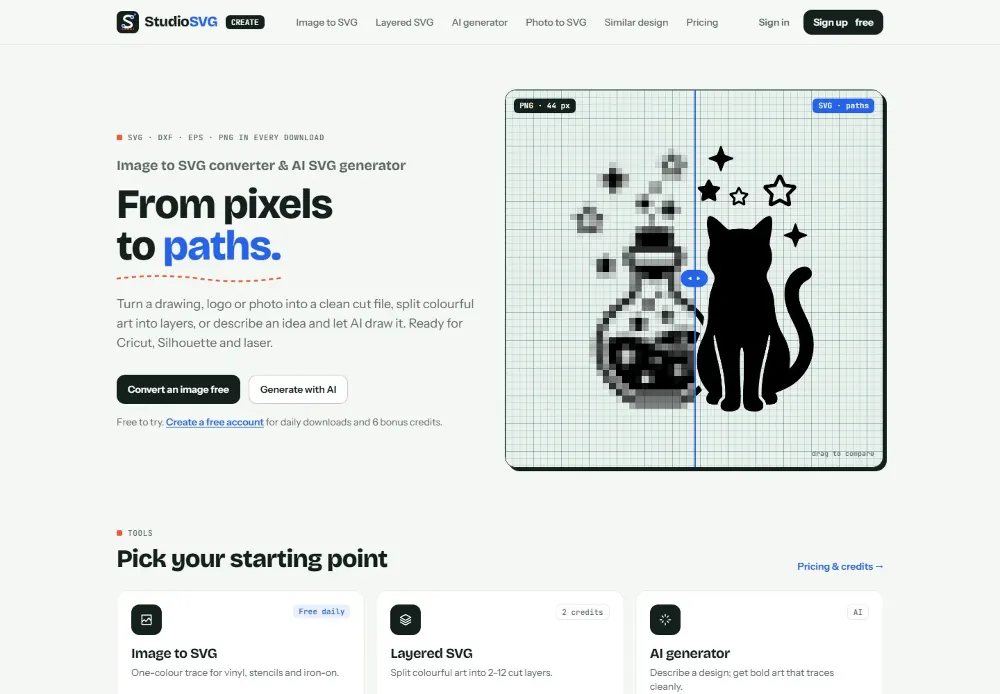
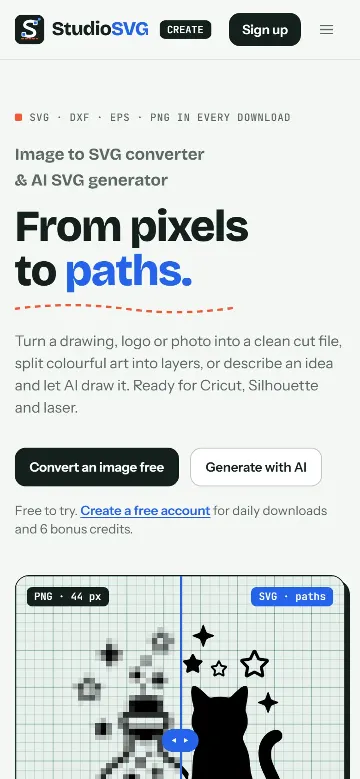
create.studiosvg.com is a design tool built by Teyobi that turns images into files ready for cutting machines. You upload a picture or write down an idea, and the result comes out cut-ready.
Who it is for and what problem it solves
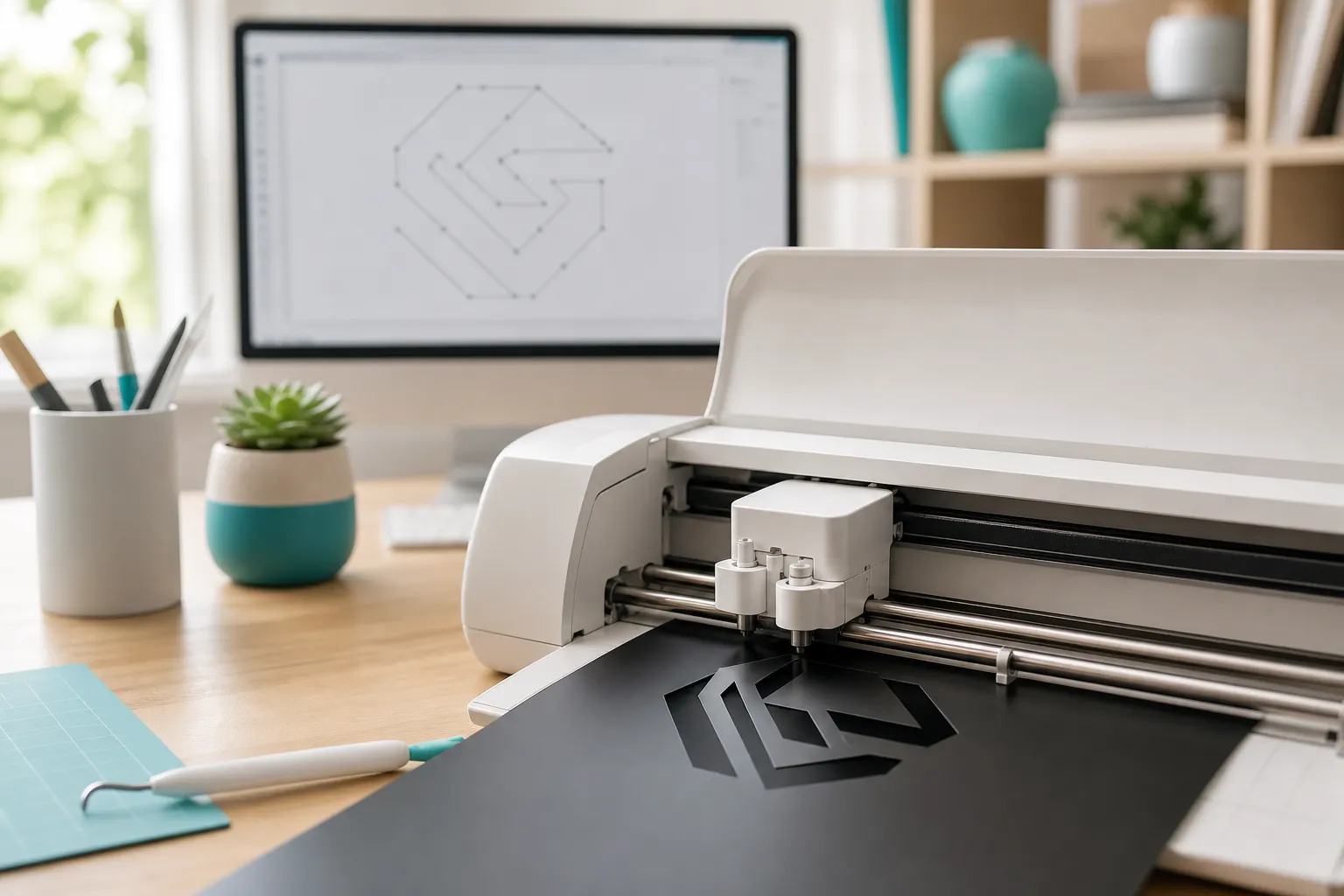
Cutting machines follow lines, not pixels. Hand a plain photo or logo straight to the machine and the edges come out jagged and fine details get lost. Turning an image into a clean cut file usually takes specialist programs and a lot of time. StudioSVG Create reduces this to a few steps.
How it works
- Image to cut file (one color): Turns a logo, line drawing, silhouette or text into a clean one-color cut for vinyl, stencils and iron-on.
- Layered work: Reduces a colorful image to between two and twelve flat colors and prepares a separate cut layer for each color.
- Design with AI: Write what you want and the tool draws it for you. You can also type a single word and pick one of the ideas it offers.
- Photo to stencil or portrait: Turns a photo of a person or pet into a stencil or a colored portrait.
- Preview first: See the result before downloading and adjust the number of colors and the clean-up settings until you like it.
- Four file formats: Every download arrives as one package containing SVG, DXF, EPS and a transparent PNG. You send it straight to your machine.
Who uses it
- Hobbyists who prepare vinyl, stencils and iron-on designs.
- Small workshops that make T-shirts, mugs or labels.
- Designers who sell digital cut files, and businesses that do laser cutting or engraving.
How to get started
You can preview without an account and earn a daily download with a free account; current plans are on the product site. You can use designs made from your own images or from AI prompts on products you sell; do not upload artwork you do not have the rights to. Visit create.studiosvg.com →
We can build a product like this for your business too
We built StudioSVG Create ourselves. If your business needs a product that processes images or files and makes them ready to use, write to us and we will work it out together.