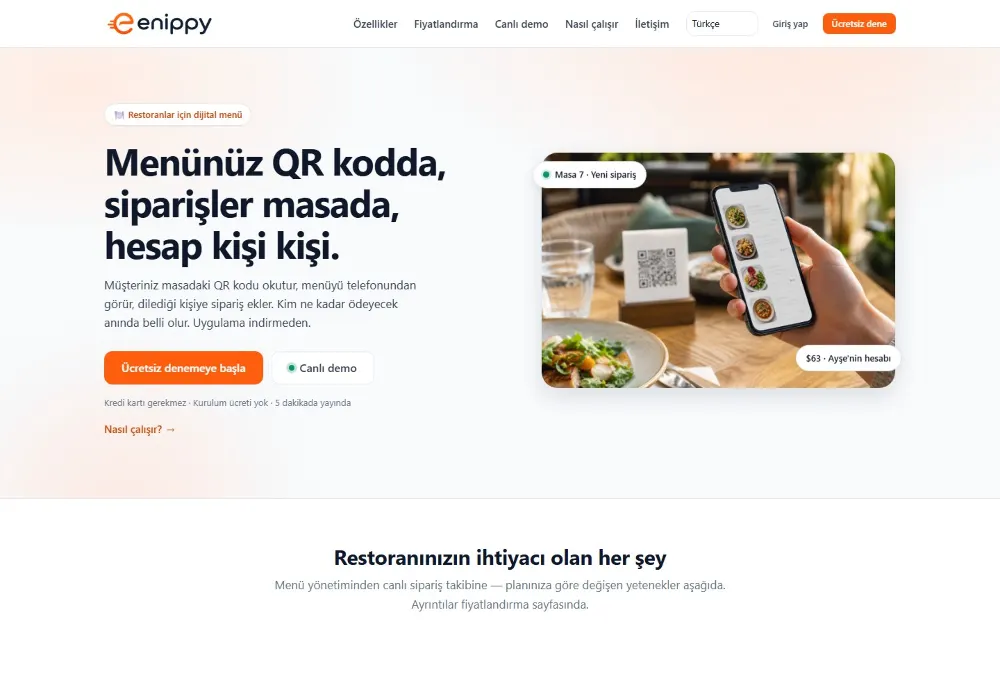
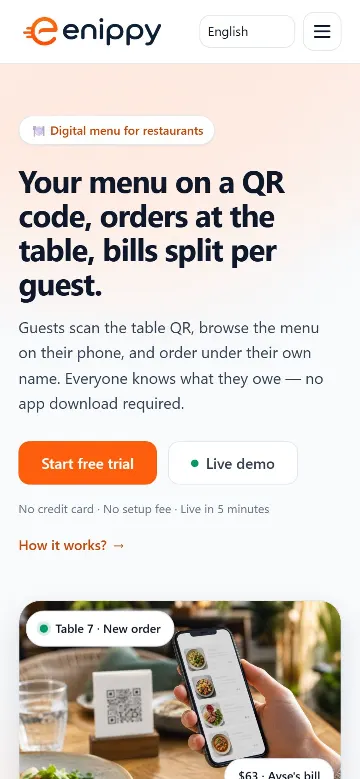
enippy.com is a digital QR menu and table ordering app built by Teyobi for restaurants and cafés. Guests scan the QR code on the table, open the menu on their phone and order under their own name.
Who it is for and what problem it solves
In a busy restaurant, waiting for the waiter and splitting the bill take time. A printed menu goes out of date whenever a price or a dish changes. Enippy makes it easier to keep the menu current and to get orders to the kitchen without mistakes; guests do not need to download an app or sign up.
How it works
- App-free menu: The menu opens in the browser when the QR code is scanned; there is no mandatory sign-up.
- Per-guest billing: Everyone at the table adds orders under their own name, so who owes what is clear at once.
- Live order screen: Orders drop onto the kitchen screen instantly and move through preparing, ready and delivered.
- Product options: Choices such as portion size, spicy or mild, and extras; price differences are calculated automatically.
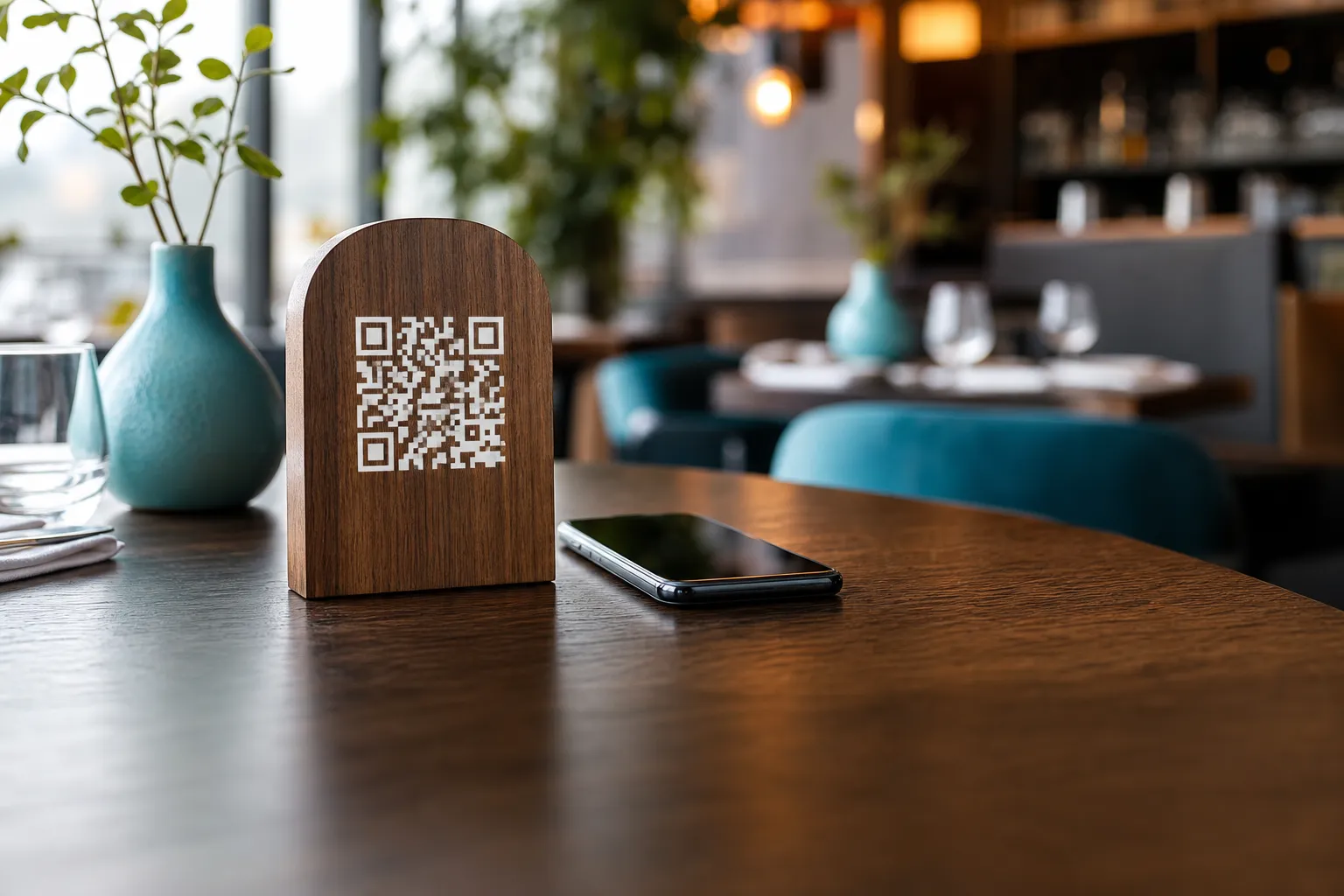
- Table-specific QR codes: A separate code is generated for each table and ready-made cards can be printed; guests do not have to type a table number.
- Reports and look: See top sellers and peak hours; the menu carries your logo, cover image and brand color. It can be published in several languages.
Who uses it
- A restaurant that serves large tables and wants to split bills per guest.
- A café that wants tourists to read the menu in their own language.
- A business that updates its menu often and wants to give up the printed one.
How to get started
When you open an account you enter the business name, and the account arrives with a sample menu and sample tables. You edit the menu and put the QR cards on the tables. No credit card is needed to try it; current plans are on the product site. Visit enippy.com →
We can build a product like this for your business too
We built Enippy ourselves. If you run a restaurant, café or another service business and want to turn your own ordering or tracking routine into a product, write to us and we will work it out together.