

How to Set Up a Restaurant Online Ordering System
Compare food marketplaces with direct ordering, integrate your kitchen, and calculate true operational costs for your restaurant.
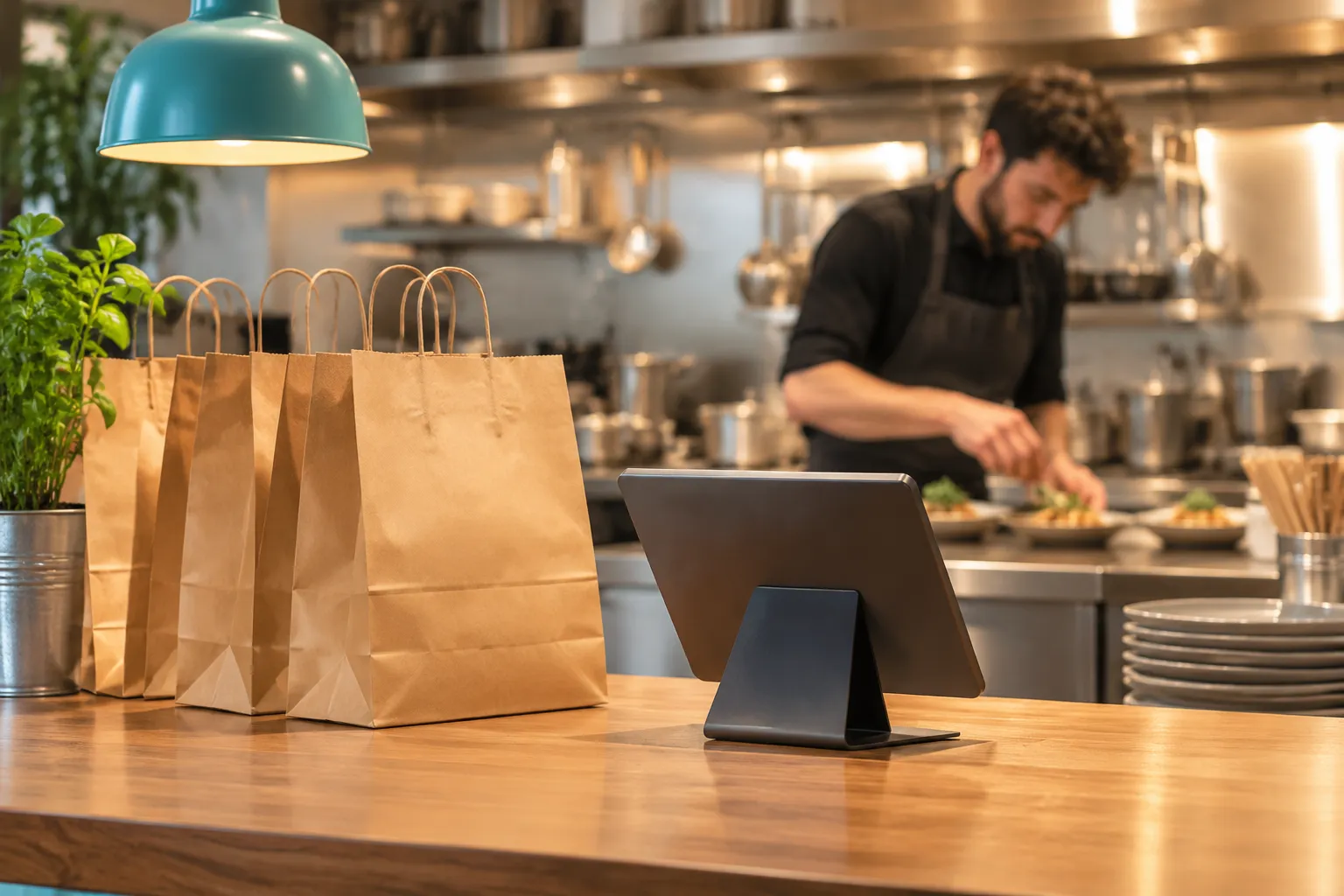
When the Friday evening rush hits an independent pizzeria or neighborhood bistro, the challenge is rarely just getting customers to find a menu online. The phone rings for takeout, a delivery aggregator alert buzzes on a tablet, and diners in the dining room are waiting for their appetizers. If these streams collide without a clear workflow, tickets get lost, food sits cold on the counter, and kitchen staff scramble. Setting up a reliable restaurant online ordering system means coordinating the journey from the customer's screen to the kitchen line and out the door.
Whether you manage an established restaurant looking to reduce third-party fees or a new food concept preparing for launch, this guide outlines how to choose between third-party marketplaces and direct channels, design manageable delivery zones, integrate kitchen tickets, and calculate your genuine operational costs.
What does a restaurant online ordering system include?
An online ordering platform is more than an uploaded PDF or an interactive menu. It is an end-to-end operational pipeline that connects customer selections with kitchen prep and order fulfillment. A complete setup typically includes:
- A responsive, mobile-optimized digital menu featuring dish options, portion sizes, and modifier selections.
- Fulfillment preferences such as pickup (takeout), local delivery, curbside handoff, or scheduled ordering.
- Secure digital payment processing alongside optional pay-on-collection choices.
- Order transmission directly to front-of-house staff, an automated kitchen ticket printer, or a digital kitchen display.
- Order status notifications so guests know when an order is received, being prepared, ready for pickup, or out for delivery.
- Administrative controls to manage daily operating hours, mark sold-out items, adjust delivery radiuses, and review sales reports.
It helps to distinguish between off-premise ordering and in-house digital menus. A QR code menu at a dining table primarily serves guests seated inside your venue. In contrast, off-premise ordering handles customer addresses, dispatch intervals, delivery surcharges, and off-site courier logistics. Clarify which workflows you need before selecting any software package.
Third-party marketplaces vs. direct ordering channels
Third-party delivery marketplaces
Third-party platforms (such as Uber Eats, DoorDash, Deliveroo, or Just Eat) provide established discovery channels with millions of active users. For a newly opened restaurant, listing on a marketplace offers immediate local visibility without requiring an existing website audience or an upfront advertising budget. In many service regions, these platforms also provide fleet couriers on demand.
The trade-offs involve ongoing unit economics and operational control. Aggregators typically assess commission fees on every completed order alongside periodic service surcharges. The platform owns the primary customer relationship and limits direct communication channels. Furthermore, managing inventory, menu adjustments, and daily operating hours across multiple external apps demands constant staff attention unless connected through centralized middleware.
Your own direct ordering system
Running a direct ordering portal on your own domain gives you control over your brand presentation, menu layout, pricing tiers, and delivery radiuses. You keep direct access to order history and guest contact details, allowing you to build repeat business through opted-in email updates and localized marketing programs.
However, running direct ordering requires driving your own web traffic through social media channels, local search listings, physical packaging inserts, or local advertising. Your business must also oversee customer support, payment gateway setup, technical maintenance, and courier fulfillment, either by employing your own drivers or partnering with a third-party delivery-as-a-service provider.
The hybrid model
Many independent operators maintain a balanced hybrid strategy. They treat third-party marketplaces as customer acquisition funnels for first-time diners, while using packaging cards and website links to invite repeat guests to order directly. If you choose this approach, keep item descriptions, core pricing, and operating hours consistent across all channels to avoid guest confusion, and verify that your kitchen team can handle incoming tickets from both sources during peak hours.
Software options for your direct ordering channel
Turnkey software-as-a-service (SaaS) platforms: Monthly subscription platforms offer prebuilt digital menus, automated pickup notifications, and turnkey payment connections. They allow fast deployment with minimal setup overhead. Review their payment processing markups, domain customization allowances, and export tools to ensure you can retrieve your customer and sales records easily.
E-commerce modules on an existing website: If your restaurant already operates a website built on WordPress or similar web systems, you can add food ordering plugins or checkout modules. This setup keeps everything under your primary web address. Confirm in advance how menu updates, POS connections, and receipt printing will be supported, and determine who manages ongoing technical updates and security patches.
Custom web application development: For multi-location concepts, ghost kitchen networks, or custom kitchen display needs, off-the-shelf software may not fit unique operational rules. Commissioning custom software services provides complete architectural control over dispatch logic, member rewards, and internal system connections. This approach requires clear technical scope documentation, dedicated quality testing, and an ongoing software maintenance budget.
Before signing an agreement with any software vendor, clarify data portability: confirm in writing whether you can export your guest database, menu configurations, and historical financial reporting without penalties should you switch providers later.
Structuring the ordering flow: menu, payments, and delivery
Establish realistic delivery radiuses and hours
Map delivery territories based on realistic travel times during peak transit hours rather than simple geographic radiuses. A three-mile radius that takes twelve minutes at midday can easily become a forty-minute delay in heavy evening traffic. Consider beginning with a conservative delivery boundary, such as a 5-to-10-minute drive radius, and expand only after your kitchen and dispatch teams manage ticket volumes consistently.
Define clear protocols for adverse weather, kitchen backlogs, and seasonal holidays. Your system must allow managers to pause incoming web orders, display extended preparation estimates, or disable delivery while keeping pickup available with a single click.
Engineer your menu for transport
Not all dine-in dishes maintain their quality during a 20-minute journey in a thermal delivery bag. Crispy fried foods can become soggy from trapped steam, delicate sauces can separate, and certain hot-and-cold combinations melt or lose texture. Test your takeout items by boxing them, waiting 20 minutes, and tasting them critically.
- Write brief, accurate dish descriptions that specify standard preparation, portion sizes, and allergens.
- Separate mandatory selections (such as choice of protein or preparation temperature) from optional add-ons (such as extra sauces or side dishes).
- Assign clear staff responsibility for marking sold-out ingredients across the system immediately so customers cannot order unavailable dishes.
- Package hot food, cold salads, and chilled beverages in separate bags to preserve temperature and structural integrity.
For example, rather than listing a burger as a static product with a vague comment field, configure distinct option groups for doneness, cheese selection, bun style, and sides. Structuring options prevents back-and-forth phone confirmations, reduces preparation mistakes, and speeds up kitchen fulfillment.
Select payment and fulfillment models
Decide whether to require upfront digital card payments, accept digital wallets, or offer pay-on-pickup at the till. Digital payments reduce unpaid abandoned orders and speed up handoffs for both pickup guests and delivery drivers. Choose payment gateways that offer transparent transaction fees, clear payout cycles, and strong fraud detection tools.
For order fulfillment, evaluate your options: in-house couriers give you complete quality control over packaging and guest interaction, but introduce driver scheduling, vehicle insurance, and hourly wage costs. On-demand fleet dispatch services reduce staffing overhead by charging per-delivery fees, though you rely on third-party drivers to represent your brand. Many neighborhood operators start with pickup only, adding local delivery once kitchen workflows are tested.
Connecting orders to your kitchen and POS
A major cause of order fulfillment issues is disconnected systems. If online orders arrive on a standalone tablet while your dining room tickets print from a point-of-sale (POS) terminal, staff must manually retype orders between systems. This causes delays, creates ticket errors, and distorts inventory counts.
System integration means linking software so data flows between them automatically. A point-of-sale system manages in-house sales, kitchen order routing, and register balances. However, POS terminals, card payment readers, and digital ordering engines are distinct components that communicate through software interfaces. Ask your vendors specifically what data syncs between your online ordering software and your POS:
- Do incoming online tickets inject directly into the kitchen queue, or do they require manual staff approval first?
- If an item is marked out of stock on your POS terminal, does it automatically turn off on your public ordering site?
- Can menu prices and descriptions be updated centrally, or must they be adjusted separately in multiple control panels?
- How are order cancellations, refunds, or customer modification notes processed across systems?
Preparing for operational glitches
Plan for edge cases before going live. What happens if an online payment succeeds but an internet drop prevents the ticket from reaching the kitchen printer? Your team should receive an automated escalation alert (such as an SMS message or audible chime) when an order remains unacknowledged past a set threshold.
Document procedures for handling order rejections when the kitchen is overwhelmed, processes for issuing prompt card refunds, and a backup protocol using mobile hot-spots and phone orders during local internet or electrical outages.
Step-by-step launch checklist
- Set concrete operational targets: Identify your priority, such as reducing telephone ordering time during peak dinner service or establishing direct pickup channels for neighboring offices.
- Assess kitchen preparation capacity: Determine how many off-premise tickets your line cooks and packing stations can prepare per 15-minute window alongside standard dining room traffic.
- Audit candidate software platforms: Compare software options on transaction costs, POS integration capabilities, pickup-and-delivery features, and data ownership terms.
- Configure a focused off-premise menu: Select durable, high-margin dishes, configure mandatory and optional modifier groups, and prepare appropriate packaging supplies.
- Test payment, ticketing, and edge cases: Place simulated test orders with credit cards, test special preparation notes, trigger an out-of-stock item, and practice issuing a refund.
- Train front-of-house and kitchen staff: Ensure team members know how to acknowledge incoming tickets, bag items systematically, verify order numbers at pickup, and notify guests of delays.
- Review initial performance data: Track average preparation times, delivery intervals, customer feedback, and ticket adjustments during the first two weeks of live operation.
For example, consider a 40-seat neighborhood pasta bistro with four kitchen staff that decides to test direct online takeout. This is a planning illustration rather than data from an actual restaurant. Instead of offering its complete 24-dish menu, the bistro launches with 10 pasta dishes that hold heat well, paired with three salads and bottled drinks. During an initial Friday trial, 16 online orders arrive between 6:30 PM and 7:30 PM alongside a full dining room, causing five takeout orders to exceed their 25-minute pickup target. Instead of halting online sales entirely, management shortens the available online takeout menu during peak hours and designates a single prep cook to box and tag takeout orders. Running measurable tests allows you to adjust operations based on real kitchen capacity.
Calculating true operational costs
Evaluating an online ordering system by its monthly software fee alone provides an incomplete picture. A system with a low subscription charge may carry higher card processing rates, require extra hardware, or demand significant manual staff time to manage. Build a comprehensive cost model that includes:
- One-time initial expenses: Menu digitization, photography, domain registration, software configuration, receipt printer or kitchen tablet hardware, and staff training hours.
- Recurring fixed overhead: Monthly platform subscription fees, web hosting, domain renewals, software maintenance, and dedicated data connections.
- Variable per-order expenses: Payment processing percentages and transaction fees, delivery fleet service charges, specialized takeout containers, insulated bags, and sauce ramekins.
- Operational labor and margin costs: Staff hours dedicated to monitoring incoming orders, packing deliveries, managing customer support, and accounting for remade dishes or refunds.
To compare different software models, calculate your Total Channel Cost = Fixed Monthly Software Fees + Total Payment & Commission Fees + Packaging & Delivery Expenses + Allocated Staff Time + Cost of Refunds and Waste.
Dividing that monthly total by your completed off-premise orders gives you your genuine cost per order. If you compare a direct channel to a third-party marketplace, avoid double-counting courier fees if delivery costs are already covered within an aggregator's commission rate. Balance your unit cost calculations against total sales volume, average order values, and your customer retention rates over time.
Data privacy, consumer protection, and security
Collecting customer names, phone numbers, email addresses, and physical locations creates data responsibility. In Europe and the UK, the General Data Protection Regulation (GDPR) governs how personal details are processed, stored, and managed; similar privacy frameworks apply in California (CCPA/CPRA) and other global jurisdictions. Only request information necessary to prepare and deliver the order, keep administrative access limited to authorized staff, and verify that software vendors adhere to modern security standards.
Keep a clear boundary between operational order communications and marketing activities. Using a customer's mobile number to send automated delivery status alerts relates directly to fulfilling their purchase. Using that same number to send promotional discounts requires compliant marketing consent, complete with a clear opt-out path. Never store raw payment card numbers on internal restaurant hardware; use reputable, PCI-DSS-compliant payment processors that tokenize financial transactions. Consult a qualified professional regarding local food packaging regulations, distance selling disclosures, sales tax tracking, and privacy standards.
Evaluating in-house table ordering
While off-premise takeout and delivery systems address home dining, table-ordering technology solves a different set of challenges inside your physical dining room. Providing dynamic QR codes on tables allows guests to view up-to-date menus on their personal devices, place supplementary drink orders, and settle checks without waiting for staff during peak table turnover periods.
For in-venue operations, Enippy provides digital QR menu and table ordering for restaurants and cafés through an app-free menu, per-guest billing, live order feeds on a kitchen screen, and table-specific QR codes. Evaluating on-premise table solutions independently from off-premise delivery platforms allows you to choose the right operational tool for each dining environment.
Conclusion: Start with your workflow, then choose software
A reliable restaurant online ordering system is ultimately an operational workflow supported by technology, not the other way around. By starting with a manageable menu, establishing realistic fulfillment radiuses, training kitchen staff on ticket handoffs, and calculating all variable costs, you build a sustainable revenue channel that supports your business long term.
As an actionable first step, draft a one-page plan that lists your top ten travel-durable dishes, your initial delivery boundaries, and the specific staff member responsible for expediting orders during your next shift.
Frequently Asked Questions
Does a restaurant need a custom website to take online orders?
No. You can start by using third-party marketplace listings or standalone, hosted ordering pages provided by software-as-a-service vendors. However, operating direct ordering through your own web presence or brand domain offers greater control over brand presentation, guest communication, and long-term customer relationships.
Should a restaurant leave third-party delivery marketplaces entirely?
Not necessarily. Many operators use marketplaces as customer acquisition engines to introduce their menu to new diners, while encouraging repeat guests to order directly through their own website. The right decision depends on your customer acquisition costs, delivery infrastructure, kitchen capacity, and overall profit margins.
Can an online ordering platform integrate with existing kitchen printers and POS systems?
Many modern platforms connect with major restaurant POS systems and kitchen printers, but integration depth varies. Always verify with both your POS provider and ordering vendor whether ticket firing, price synchronization, modifier passing, and inventory depletions happen automatically or require manual confirmation.
What is the most practical way for an independent restaurant to begin?
Begin with a streamlined takeout menu, focus on customer pickup, use existing kitchen hardware, and run simulated trial orders during off-peak hours. Once your kitchen expediting, packaging, and digital ticketing work smoothly without delays, expand into local delivery or explore custom software integrations.
Disclosure: Enippy is a product built by Teyobi.
Related articles
Using QR Codes to Collect Customer Details: Forms, Digital Cards, and Campaign Pages
A practical guide to collecting leads with QR codes through forms, digital business cards, and campaign pages—without making the experience clunky.
How to Convert an Image to SVG for Cricut, Silhouette and Lasers
Turn a PNG or JPG into a clean, cut-ready SVG: choosing images, single-colour vs layered files, settings, fixes for common problems, file formats and copyright.
QR Menus for Restaurants and Cafés: How to Set One Up the Right Way
PDF vs interactive menus vs table ordering, photos, allergens, multi-language, printing table codes and staff workflow, plus a step-by-step setup checklist.